Images turns a description into a still: a character concept, a location, or a frame for your storyboard. Each image is priced in media credits before you create it.
Create your first image
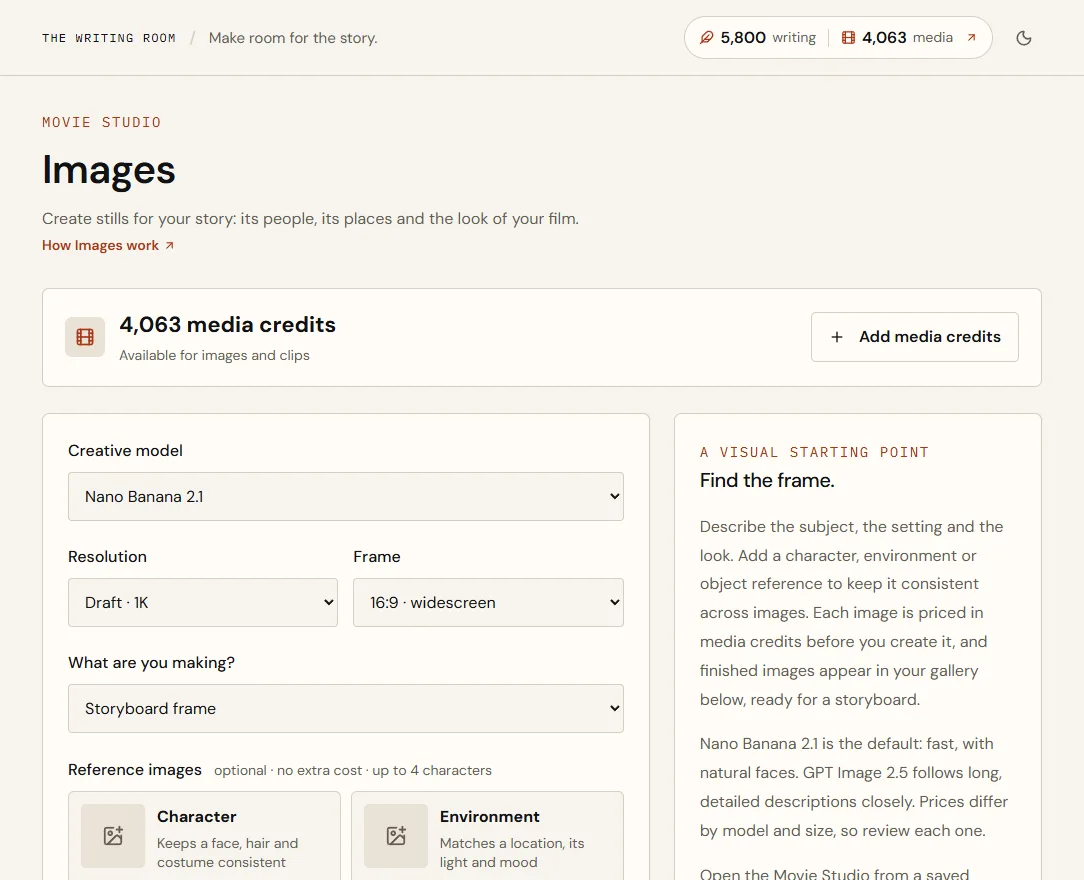
- Choose a creative modelNano Banana 2.1 is the default: fast, with natural faces. GPT Image 2.5 follows long, detailed descriptions closely.
- Choose the resolution and frameStart with Draft · 1K while you explore; use 2K or 4K for final frames. Frames are 16:9, 9:16, 1:1, 4:3, 3:4, 5:4 or 4:5 (GPT Image 2.5 doesn't make 5:4 or 4:5).
- Say what you're makingStoryboard frame, character concept and so on. It guides the composition.
- Add references (optional)See Keep a character consistent, below.
- Describe the imageFill in Subject, Setting and Style, or switch to Plain text.
- Choose Review credit priceYou see the exact price, for example 23 media credits · $0.23, held for five minutes.
- Choose Create imageMost images are ready in under a minute.
Describe the image
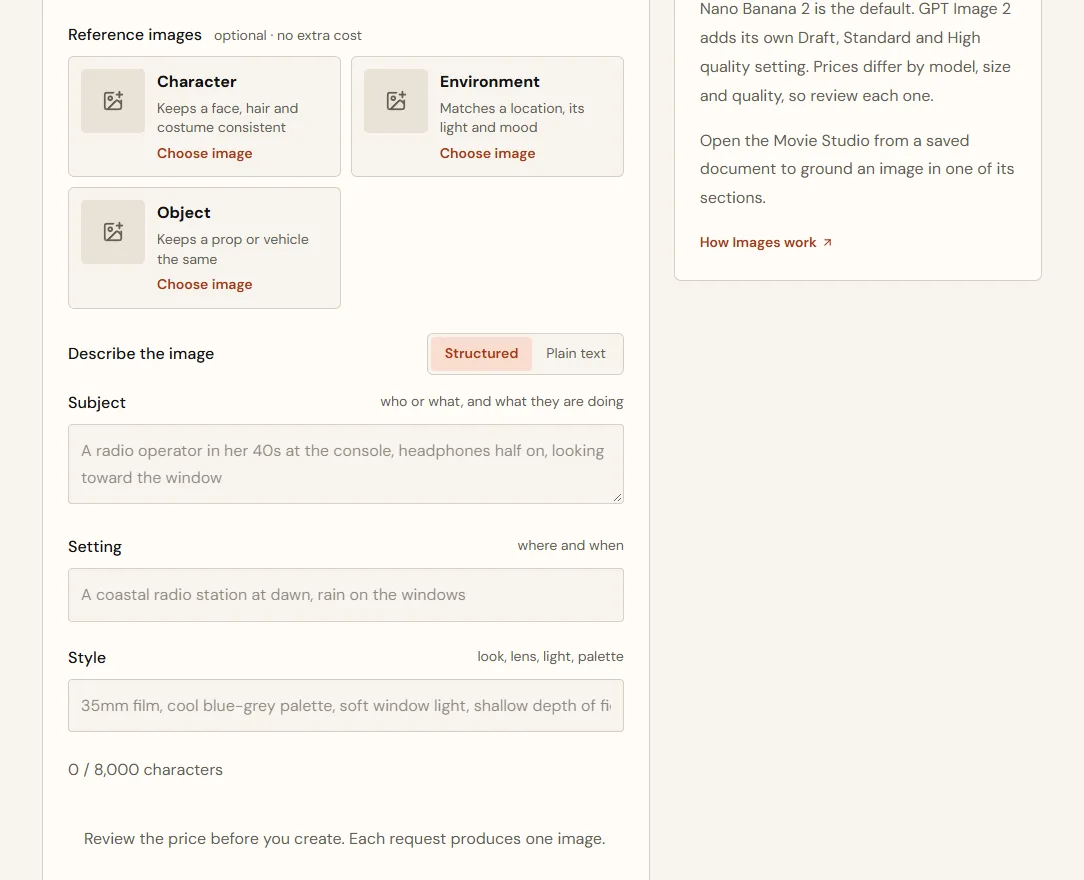
- Subject
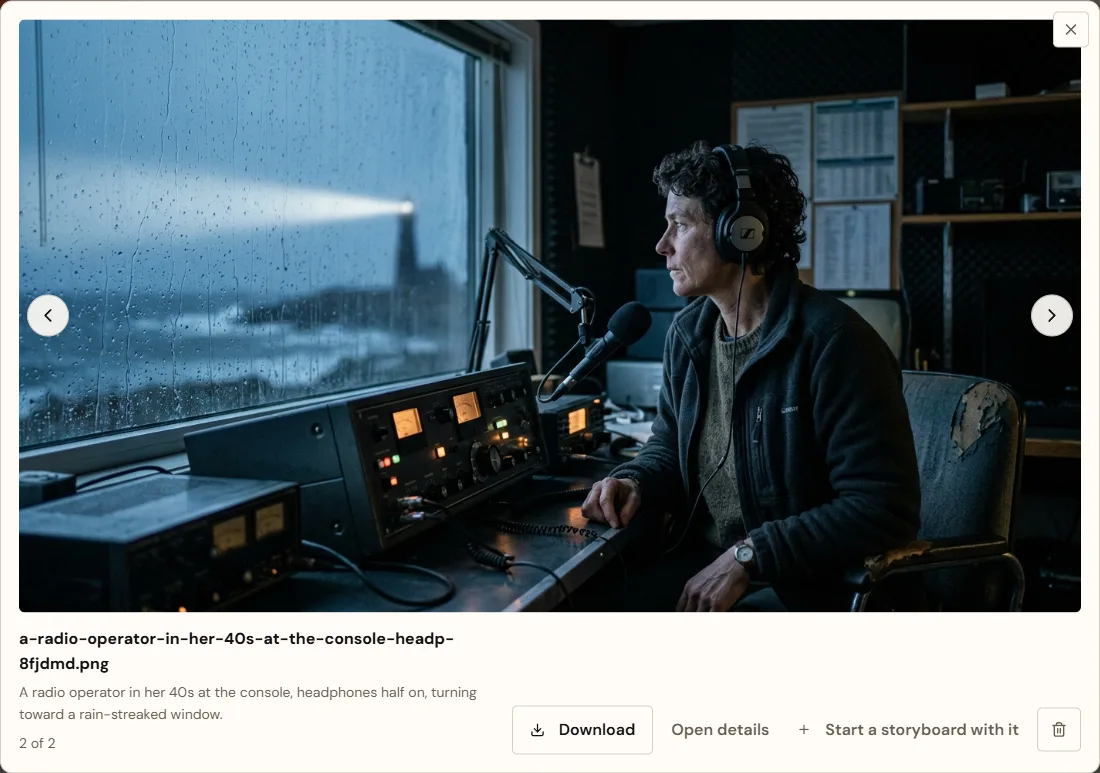
- Mara, a radio operator in her late 40s, at the console with headphones on, turning toward the window
- Setting
- A coastal radio station at night, rain on the windows, a lighthouse beam crossing the glass
- Style
- 35mm film, cool blue-grey palette, amber light from the console dials, shallow depth of field
Subject: Mara, a radio operator in her late 40s, at the console with headphones on, turning toward the window.
Setting: A coastal radio station at night, rain on the windows, a lighthouse beam crossing the glass.
Style: 35mm film, cool blue-grey palette, amber light from the console dials, shallow depth of field.
This is the prompt that's sent. Switch to Plain text at any time to edit it directly.
| Write this | Instead of this |
|---|---|
| headphones on, turning toward the window | a woman |
| rain on the windows, a lighthouse beam crossing the glass | a spooky place |
| 35mm film, cool blue-grey, amber dial light | cinematic, beautiful, 4K |
Models, sizes and prices
| Model | Setting | Example price |
|---|---|---|
| Nano Banana 2.1 | Draft · 1K | 23 credits ($0.23) |
| Nano Banana 2.1 | High · 2K | 25 credits ($0.25) |
| Nano Banana 2.1 | Ultra · 4K | 28 credits ($0.28) |
| GPT Image 2.5 | Draft · 1K | 25 credits ($0.25) |
| GPT Image 2.5 | High · 2K | 29 credits ($0.29) |
| GPT Image 2.5 | Ultra · 4K | 35 credits ($0.35) |
Keep a character consistent
Reference images tell the model what to keep the same. They're optional and free.
| Slot | Keeps the same |
|---|---|
| Character | Face, hair, build and costume |
| Environment | A location's layout, light and mood |
| Object | A prop or vehicle's shape, colour and details |
- In a slot, choose Choose image.
- Pick one of your images, or upload a PNG or JPEG.
- Describe the new image as usualA note is added to your prompt explaining what each reference is for.
- Character reference
- Your first image of Mara at the console
- Subject
- Mara on the harbour wall at dawn, coat collar up, looking out to sea
- Setting
- A stone harbour wall, grey sea, gulls
Reference image 1 is the character: keep the same face, hair, build and clothing.
That line is added to the prompt for you, so the new image shows the same woman, not a lookalike.
Use your story as context
Open the Movie Studio from a document with Explore a visual and you can ground the image in one of the document's sections. The section's text guides the image alongside your description.
Where finished images go
- Your gallery below the form, and Library → Images.
- Select an image to see it large. Use the arrows (or ← and →) to step through your images, and Esc to close. Download, Open details (the full prompt and references), Start a storyboard with it and Delete are there too.
- Choose Start a storyboard with it to begin a new storyboard with that image; the storyboard opens. When you've come to Images from a storyboard, the button names it instead, Add to and the storyboard's title, and adds the image as its last frame.
- Use any image as a reference for the next one.
- Deleting an image asks you to confirm, then removes it everywhere it appears.
Quick answers
Do reference images cost extra?
No. References don't change the price.
An image failed. Was I charged?
No. Credits are only spent when the image is saved; if it fails they're returned.