A storyboard is your shot list with pictures. Each frame says what the shot shows and has an image; any frame with an image can become a video clip, and every clip made from a frame is a take you can compare.
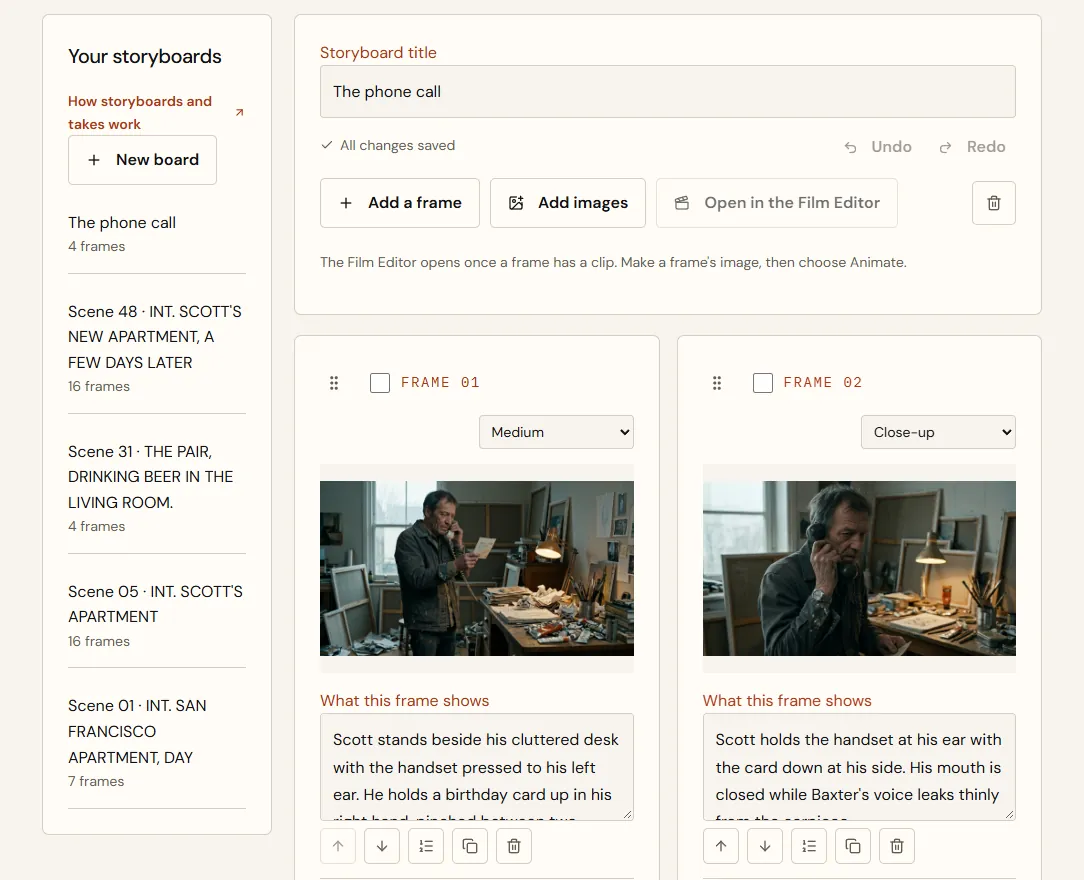
Find your storyboards
Choose Storyboards in the sidebar, under Movie Studio. Every storyboard is a card with its first picture, its number of frames and how many have a take. A story's scene storyboards are grouped under the story's name by scene number, with Open Plan the Film, where they're in today's script order; the rest follow, newest first. Choose a card to open the storyboard, and All storyboards to come back. Show more storyboards brings in older ones; until they're all in, a story's count says so far.
Build a storyboard
To remove a whole storyboard, open it and choose the bin icon at the end of its buttons, then Delete permanently. Opened from a project, Movie Studio has Back to your project at the top. Its frames, their order and their descriptions go; the images and clips stay in your Library, and a film made from it keeps its clips. If it was a scene's storyboard, Plan the Film offers that scene again.
| Frame | Image | Caption |
|---|---|---|
| 01 | Mara at the console | She turns from the console toward the window as the lighthouse beam crosses her face. |
| 02 | The station in a storm | Wide: the station alone on the headland, one window lit. |
| 03 | The radio dial | Close: the needle drifts to a frequency no one uses. |
| 04 | A lifebuoy on the rocks | Dawn. A lifebuoy lettered SAINT BRIGID, wet as if it just washed in. |
Turn a frame into a clip
Choose Animate on a frame. Clips opens with that frame's image as the start frame and what the frame shows as the first beat, so most of the work is done. Add the remaining beats, review the price and create the clip.
Compare and choose takes
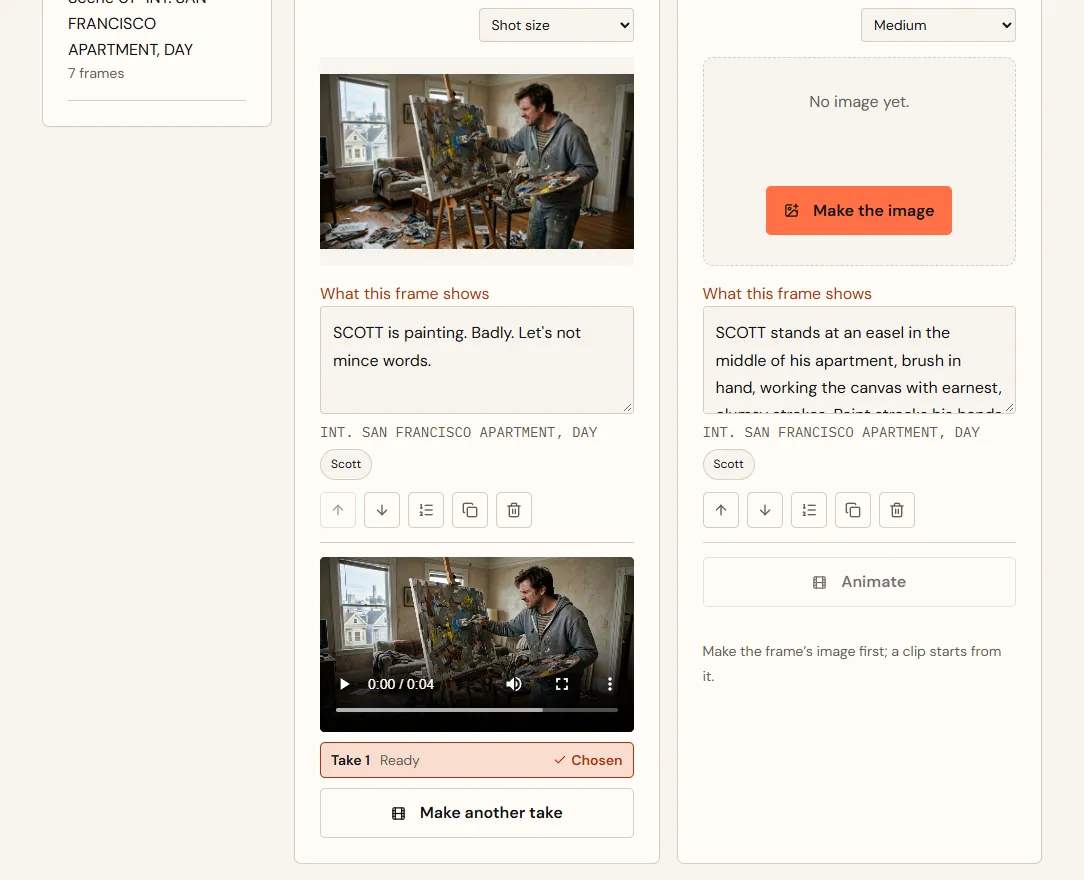
- Every clip made for a frame is a take: Take 1, Take 2 and so on.
- Choose Use this take on the take you want. It's marked Chosen and plays on the board.
- You can also choose a take from the clip's own page with Use as the take for frame N.
- Make another take opens Clips for the frame again.
- A take marked Not completed failed; its credits were returned.
- Take 1
- Not completed: failed, credits returned
- Take 2
- Ready. Good performance; the beam comes a little early
- Take 3
- Ready. Perfect beam, but Mara glances at the camera
- Decision
- Use Take 2. It's the one that goes into the Film Editor.
From storyboard to film
Choose Open in the Film Editor to start a film. Each frame's chosen take is placed on the timeline in storyboard order; frames without a chosen take are skipped. The button waits until at least one frame has a chosen take; once the storyboard has a film, it opens that film whatever is chosen.
Quick answers
A frame is missing from my film.
Frames without a chosen take are skipped. Choose a take; the Film Editor then offers to add it.